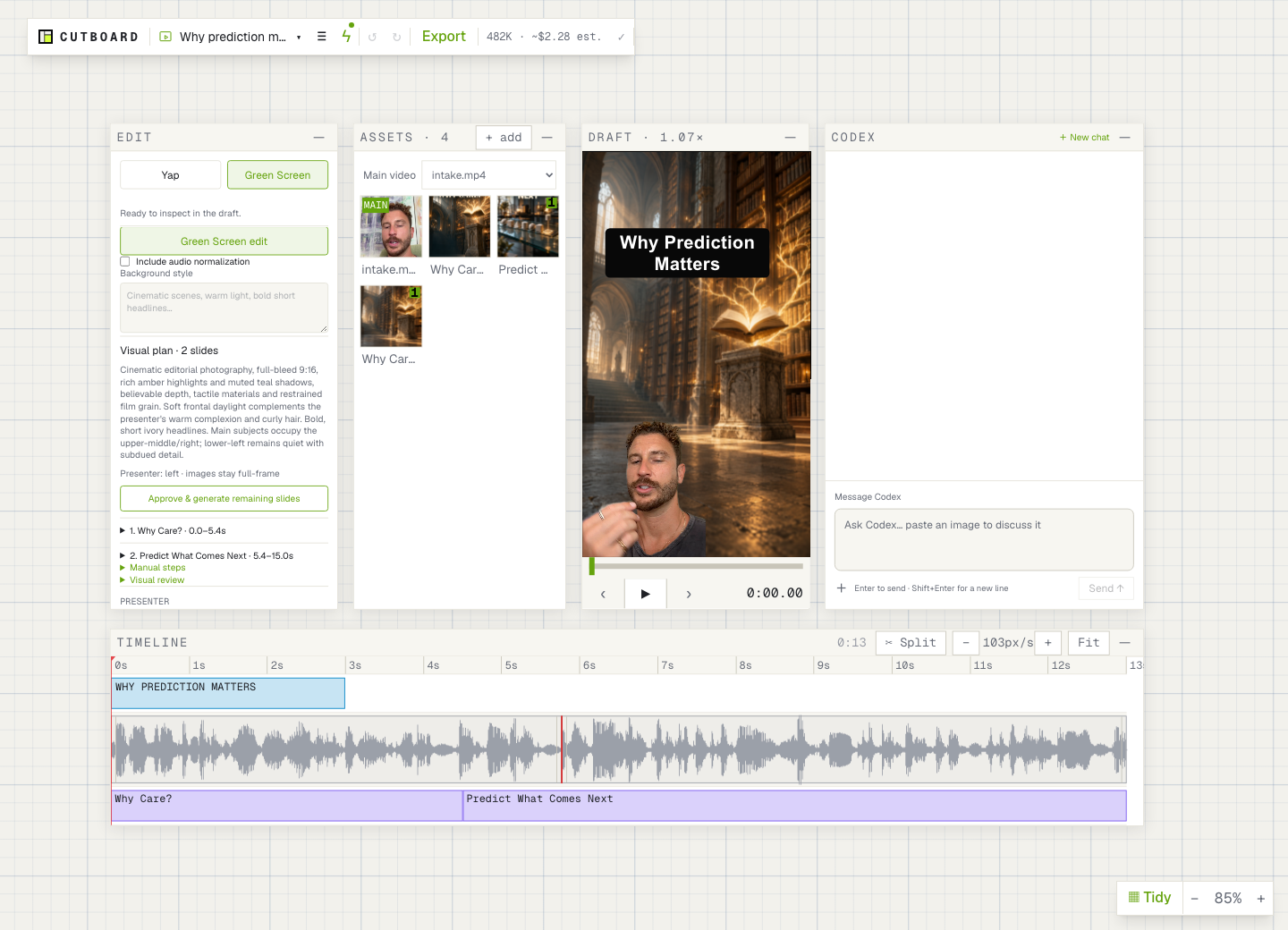
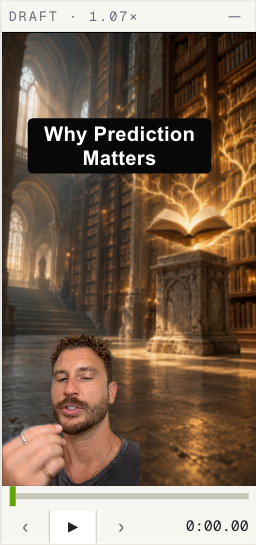
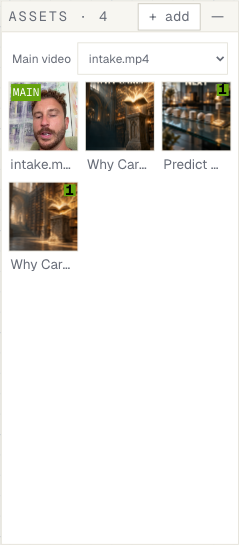
Your footage, assets, preview, timeline and chat. All on one movable board.
● ● ●CUTBOARD / THE WORKSPACE↗
A real Cutboard workspace. Arrange it your way.
01 / Find your rhythm
Less pause. More point.
Start with a Yap edit: tighten gaps, clean up false starts and set the pace. Keep your title on screen from the first frame to the last. Review every cut—the original footage stays untouched.
Remove the room, plan your visuals and approve the images before they’re generated. Move yourself into place. Style each slide’s text as its own editable layer.
Your story. A different scene.
03 / Collect as you go
Screenshot. Paste. Place.
Keep images and B-roll on your asset shelf. Paste from your clipboard, drag onto the timeline, and position things in the draft. No hunt through a dozen file dialogs.
One video—or the whole week
Give your batch some breathing room.
A production lineup gives each video its own preview, timeline and edit controls, with one shared asset shelf and chat. Rename, refine and export each video when it’s ready.
01 / Monday’s yap02 / The listicle03 / One more take
Fresh off the board
Small updates. Better edits.
What’s new in the editor. Built a little better, one pass at a time.
Plan the scene. Then make it.
Green Screen edits now pause for your visual plan. Generate one background or approve the set. Every new slide gets its own editable heading, with font, color, outline and placement controls.
Small details. Better flow.
Yap titles stay for the whole video. Exports share one folder and use your video title plus the date. Paste screenshots into the board, then drag them into your timeline.
Make room for a whole lineup.
Keep multiple videos on one board, with shared assets and chat. Each video has its own draft, timeline and edit controls. Start edits when you’re ready.
Make a little room on your Mac
Ready for your next take?
Download the signed Mac launcher. Editing and rendering happen locally; AI requests are sent to their provider.
Mac launcher v1.3.1 · Not yet a self-contained installer.
Before you start: setup & requirements
This personal build needs the Cutboard source checkout, Node.js, FFmpeg, a signed-in Codex CLI, and the local audio/background-removal tools. Each person connects their own Codex account. Transcription uses the existing OpenAI API configuration; it is not included in Codex usage. Some legacy image paths also require an API key.
git clone https://github.com/doranalytics/cutboard
cd cutboard
npm install
npm install -g @openai/codex
sh scripts/setup-audio.sh
sh scripts/setup-background-removal.sh
npm run build
Unzip the download into Applications, open Cutboard, and choose your checkout folder if asked. Keep the checkout updated alongside the launcher. Repository access is required for this build.